
Meetings, one-to-ones and stand-ups
Four work templates cover the usual week: meeting notes with action items to tick off, a one-to-one for a manager and their report, a daily stand-up dated for you, and a project plan with milestones and risks. Put a reminder on an action item and it shows up in the owner's Tasks.
Projects in a shared sheet
The project tracker sheet has a row per task, with an owner, a status dropdown (Not started, In progress, Done or Blocked), a due date and a priority, and a donut chart of where things stand. Filter views let each person see only their own tasks. Protect the cells that shouldn't change: only the owner, chosen people, or anyone after a warning.
A team you invite once
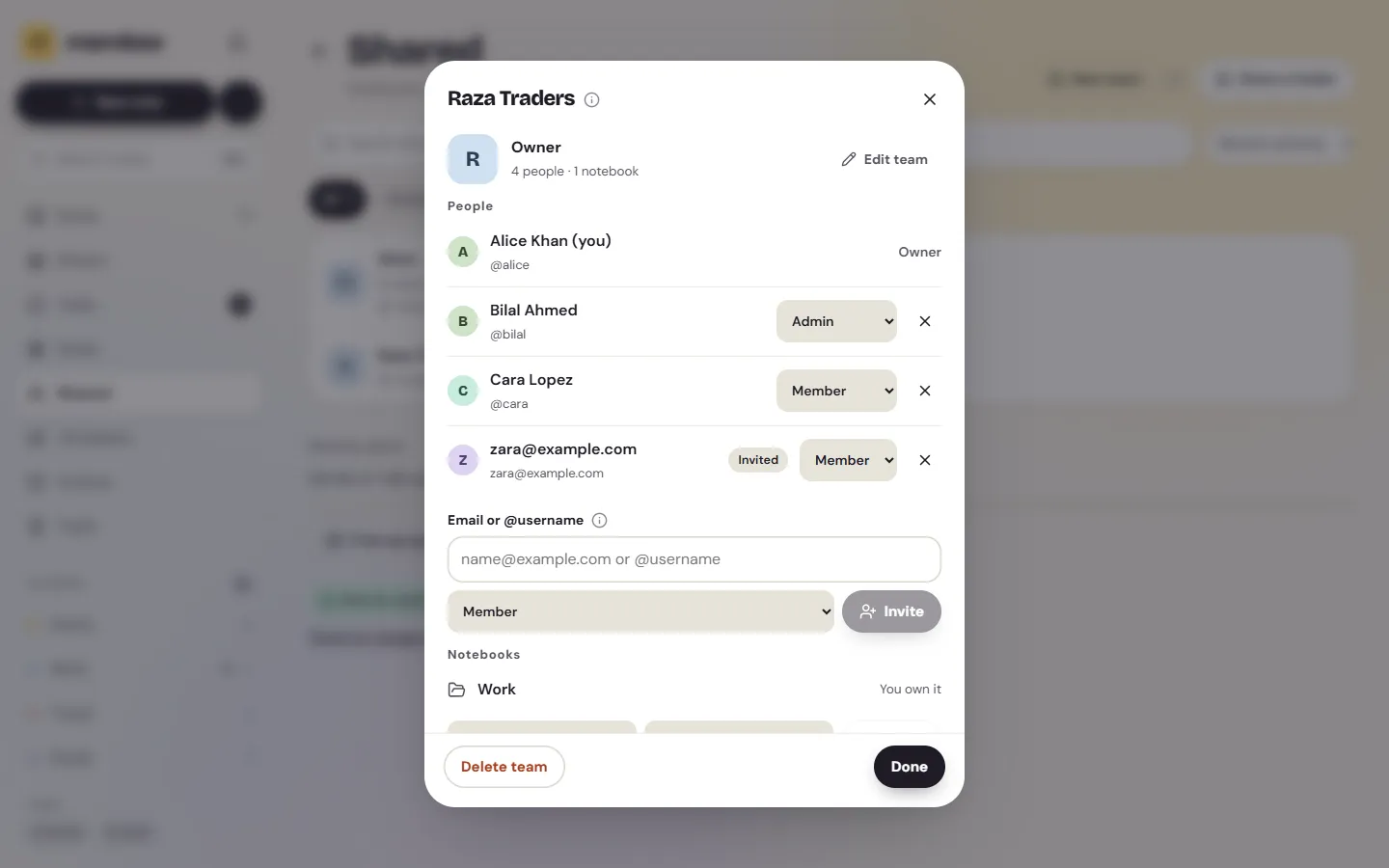
Make a team, invite people by email or @username, and give them a role: Owner, Admin or Member. Anything shared with the team reaches everyone in it, including people who join later; whoever leaves loses it. A team holds up to 50 people. Changes show up within about a second, and shared notes say who edited them last.
Private by design
Team notebooks are end to end encrypted, so Memlow's servers can't read your meeting notes or your numbers. Only the team's name is stored as plain text, because invitation emails show it. There's no AI anywhere in Memlow, so nothing reads your documents to train or summarise.
When a bigger tool fits better
Memlow suits a small team that wants shared notes, lists and light sheets. It has no admin console, no single sign-on, no audit log beyond "Edited by", no wiki of linked pages for a whole company, and no iPhone app. If you need those, a workplace suite will serve you better.



