

Share a notebook
Any folder can become a shared notebook. Choose Share on the folder and invite people by their Memlow account's email or their @username, as Can edit or Can view. They find the invitation under Shared and accept it, and the notebook appears in their Memlow as a folder of its own. Someone without an account gets an email, and the invitation waits for them.
The owner can rename the notebook, change who can edit, remove people or Stop sharing, which ends it for everyone while the owner keeps the notes. Anyone else can leave, and keep a copy of its notes as their own. A note changed by someone else says who changed it and when, and the people in a notebook can see each other's profile cards. The Shared screen lists every notebook, link, team and invitation in one place, with search and filters.
Send one note as a link
For a single note or a reminder, choose Share… in its menu. The link starts with app.memlow.com, then your username and the note's title, so people can see what it is before they open it. Pick what people with the link can do, view or edit, and how long the link works: 1, 7 or 30 days. Anyone with the link can read the note in a browser, with nothing to install. To edit it or keep it in their own Memlow, they sign in to a free account.
The note stays live both ways until the link ends. If it carries your reminder, the others are asked whether to set it for themselves, and asked again if you move it. New link stops the old one at once, and Turn off link ends it. Share a note or reminder with a link has the details.
Teams: invite once, share many times
If the same people share a lot, make a team. A team has an owner, admins and members, up to 50 people. Share a notebook or a goal with the team and everyone in it gets it, including people who join later; someone who leaves loses access to the team's notebooks. Team notes work for an office, a study group or a small business: meeting notes, a stand-up note each morning, a shared project tracker sheet where protected ranges keep the totals safe, and team goals everyone can log.
Changes show up live
While a shared note is open, what someone else types appears within about a second, in the middle of a sentence too. Two people can type in the same note at once: both sets of words are kept, and your cursor stays where it was. Ticks on a shared shopping list, a new line in a trip plan and progress on a team goal all arrive the same way. If the live connection is blocked, Memlow checks every few seconds instead.
End-to-end encrypted
Everything you share is encrypted end to end, so only the people in it can read it. Each notebook has its own key, and only the devices of the people in it hold that key. memlow.com, and the storage it uses, keep only encrypted files. Our server knows who is in a notebook and the order of the changes, so it can pass them on, but it can't read a word of them. Team names are the one exception: they're stored as plain text, because invitation emails show them.
- To share, you need a free Memlow account with Google Drive backup turned on. Your sharing key is protected by your backup password.
- A locked note can't be shared, and a shared note can't be locked, because everyone in it needs to read it.
- Shared notebooks aren't in your Drive backups. They live in their own encrypted space, shared with the people in them.
Notes for couples and families
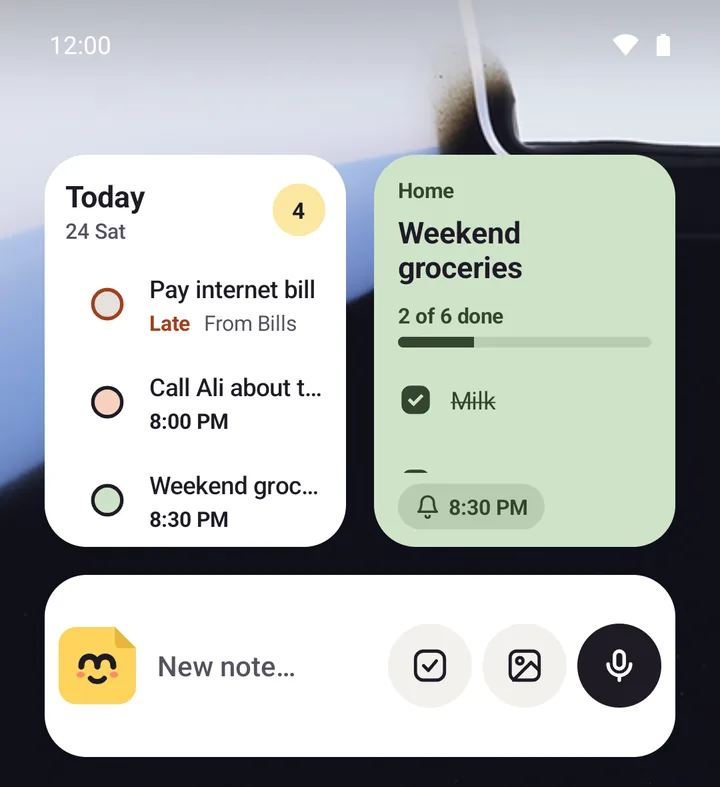
A shared notebook is the simplest way for a couple or a family to keep the house running. Put the groceries list, the meal plan, the bills to pay and the school dates in one notebook, and everyone sees the same thing on their own phone. Tick the milk in the shop and it's ticked at home too. A family savings goal works the same way: each person logs what they put in, and the history shows who added what.
On a phone the whole family uses, lock Memlow with a PIN and hide note text in reminders, so the personal notes stay personal while the shared lists are a tap away.
Space, and sharing that tidies up
Each account has 1 GB for the notebooks it shares. Photos go into shared notebooks at a smaller size, so the space lasts. Free up space under Shared lists what you share, biggest first. Links end when their time is up unless you choose Keep sharing. A notebook nobody has touched for a year stops being shared, and everyone in it keeps its notes as their own. Its owner gets a notice after six months, with the choice to keep it going.

