


Where your notes live
A private notes app should answer one question before any other: where do the notes go? Memlow doesn't run a server that stores notes. In the Android app, they're saved on your phone. On app.memlow.com, they're saved in your browser's own storage on that device. We never receive them, so there's nothing on our side to read, share or leak.
The notes app has no analytics, so nothing reports on what you write or how you use it. The web app has no ads. The Android app shows a few ads from Google AdMob to stay free, but the ads never see your notes.
No AI, on purpose
A lot of software now reads what you write so it can summarise it, suggest the next sentence or answer questions about it. Memlow does none of that. There's no AI in it at all.
The clever parts are plain rules that run on your device. Search matches the words you type. Tags are words you mark with #. When you write “dentist Friday 5pm”, smart reminders spot the day and time with a fixed list of patterns and offer to set a reminder. The sentence never leaves the note. Because nothing waits on a service somewhere to think about your words, all of this works the same with no internet at all.
Lock what's personal
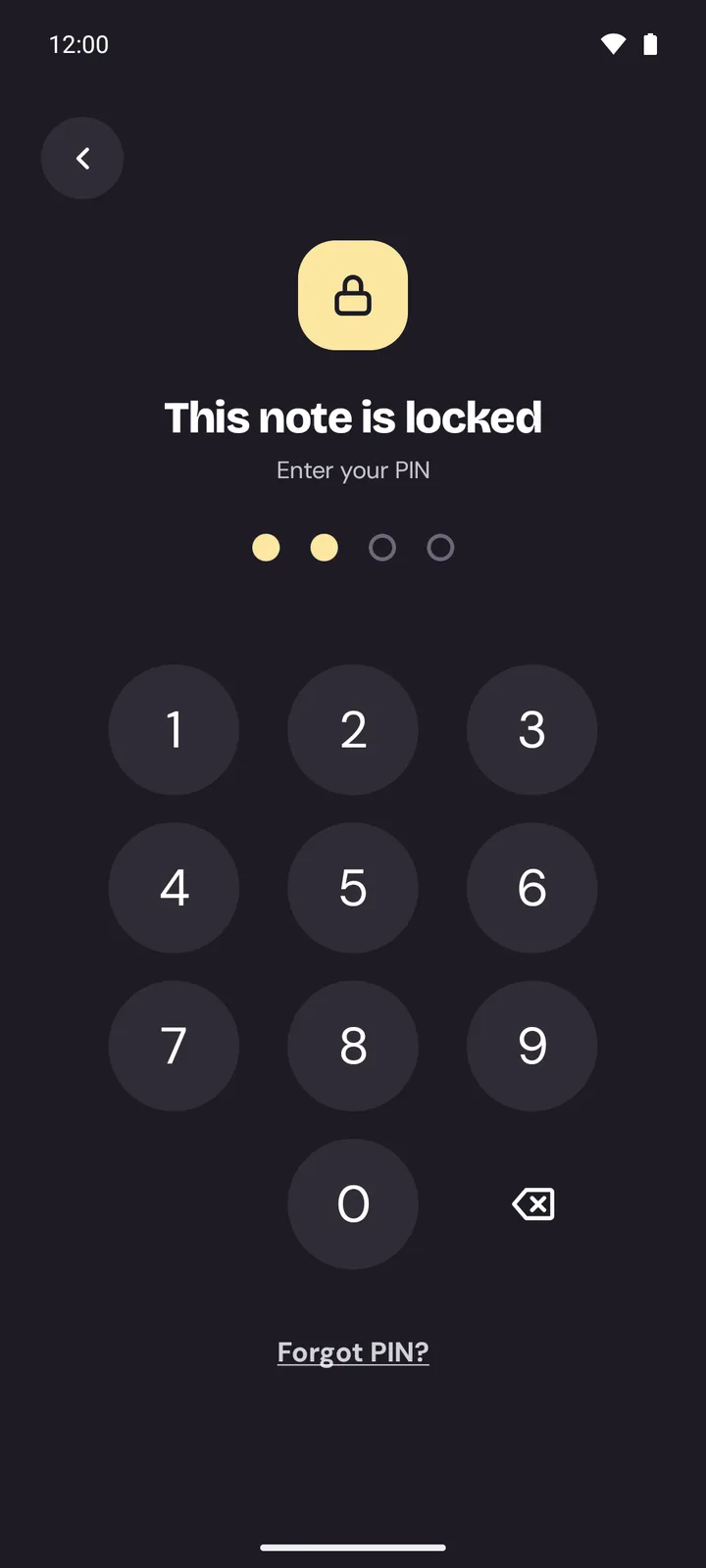
Choose a PIN, then lock any note from its menu. A locked note shows only its title on Home and in search; the text stays hidden until you enter the PIN. You can also lock the whole of Memlow, so it asks for the PIN each time it opens. On Android you can lock a folder too, and unlock with your fingerprint. It suits a journal, notes from a doctor's visit, or money matters you'd rather keep to yourself when someone borrows your phone.
On the web, locked notes are encrypted in your browser with your PIN, and the PIN itself is never stored. That's also why a forgotten PIN can't be recovered. It's the price of a lock that really holds, so keep a backup.
Backups that stay private
A note kept on one device can be lost with that device, so Memlow offers backups that don't cost you your privacy:
- Google Drive backup goes to your own Drive, into Memlow's hidden app folder. Memlow can't see your other Drive files.
- Each backup is encrypted on your device with your backup password (AES-256-GCM) before it uploads. Google stores the file but can't read your notes, and neither can we.
- Backup files (.memlow) are password-protected by default, so a copy on a USB stick is safe too.
We can't reset a lost backup password, so write it down somewhere safe. And your notes are never stuck with us: you can export them all as Markdown files at any time. Read the privacy policy, or our guide on how to keep your notes private.
