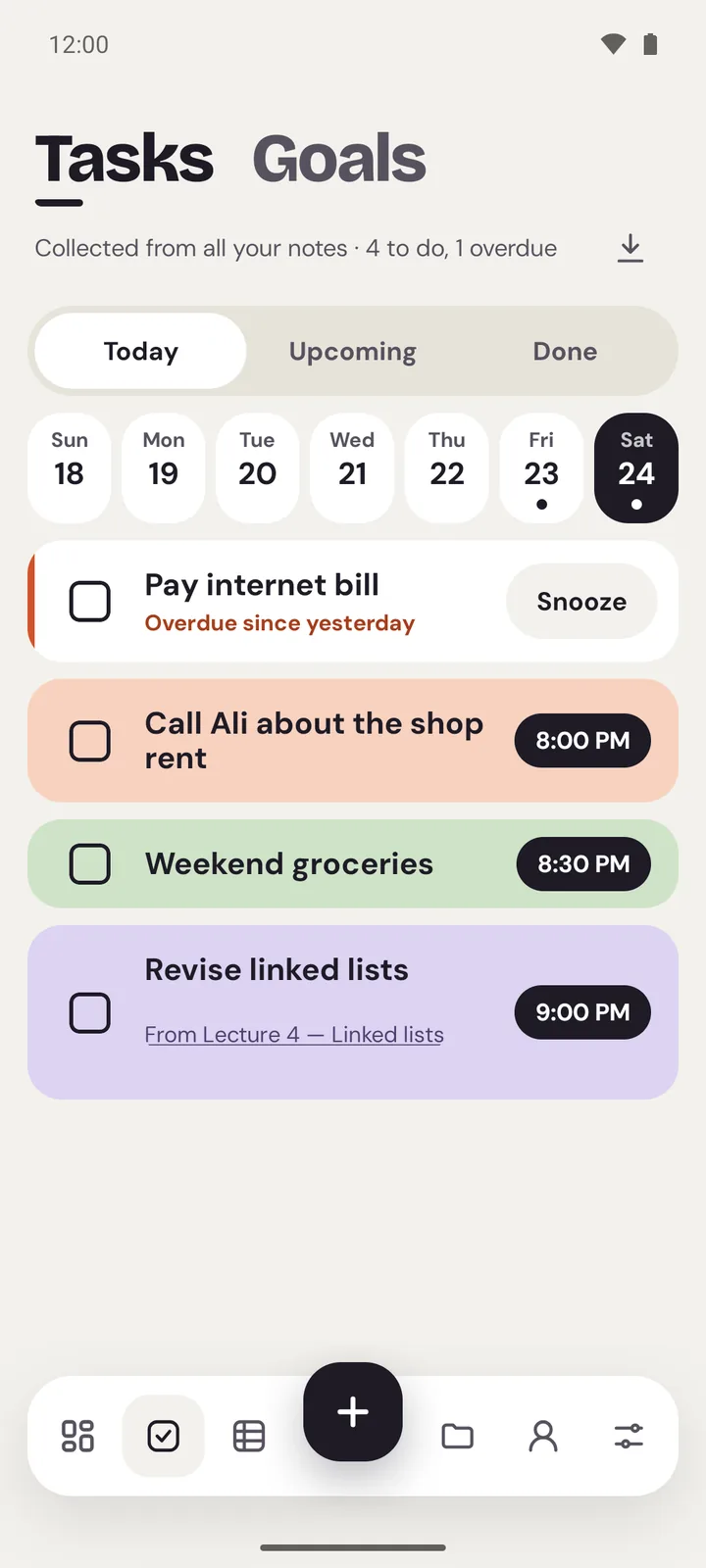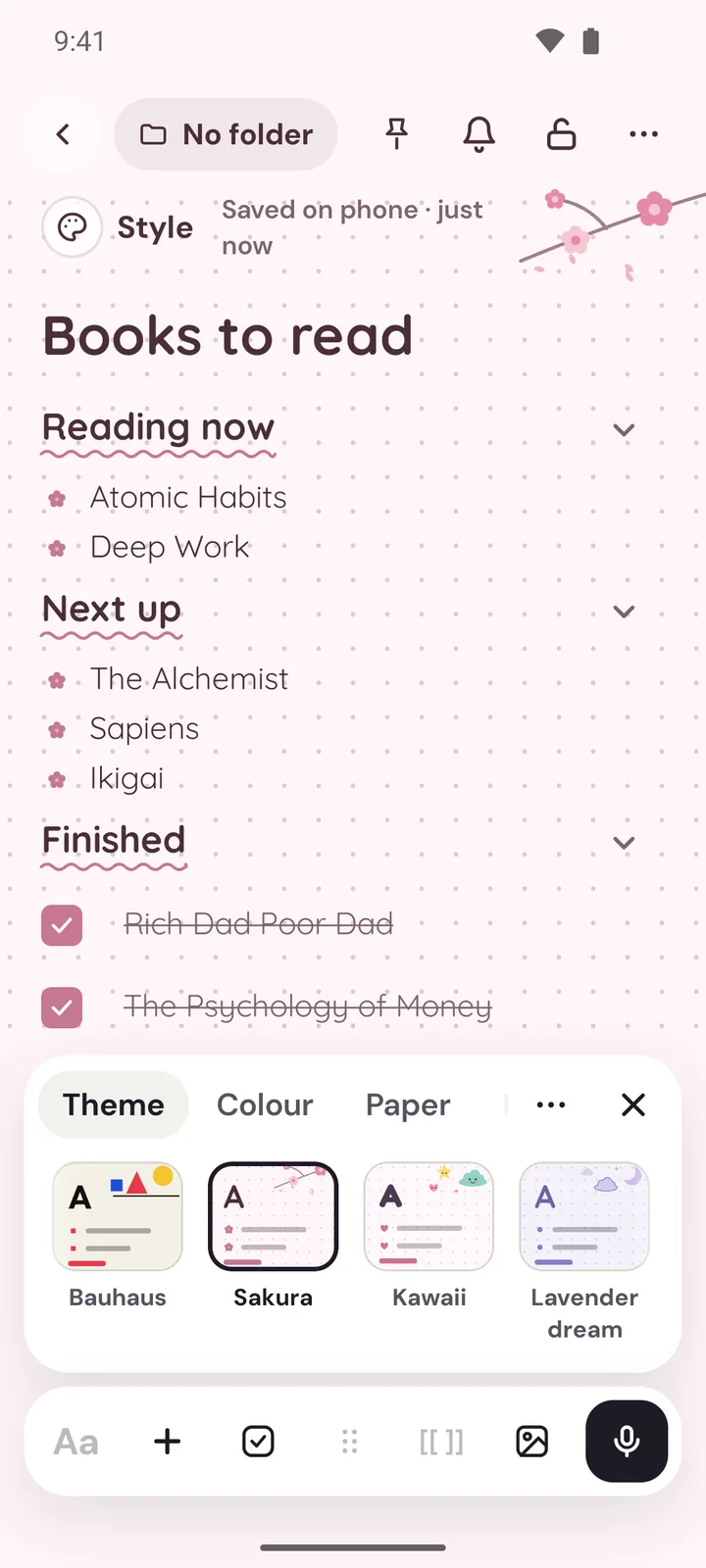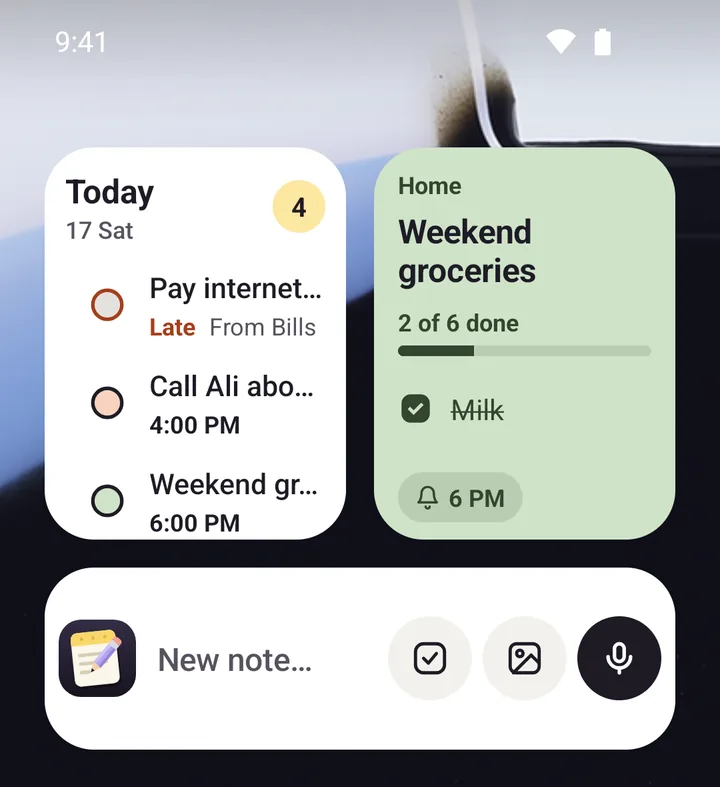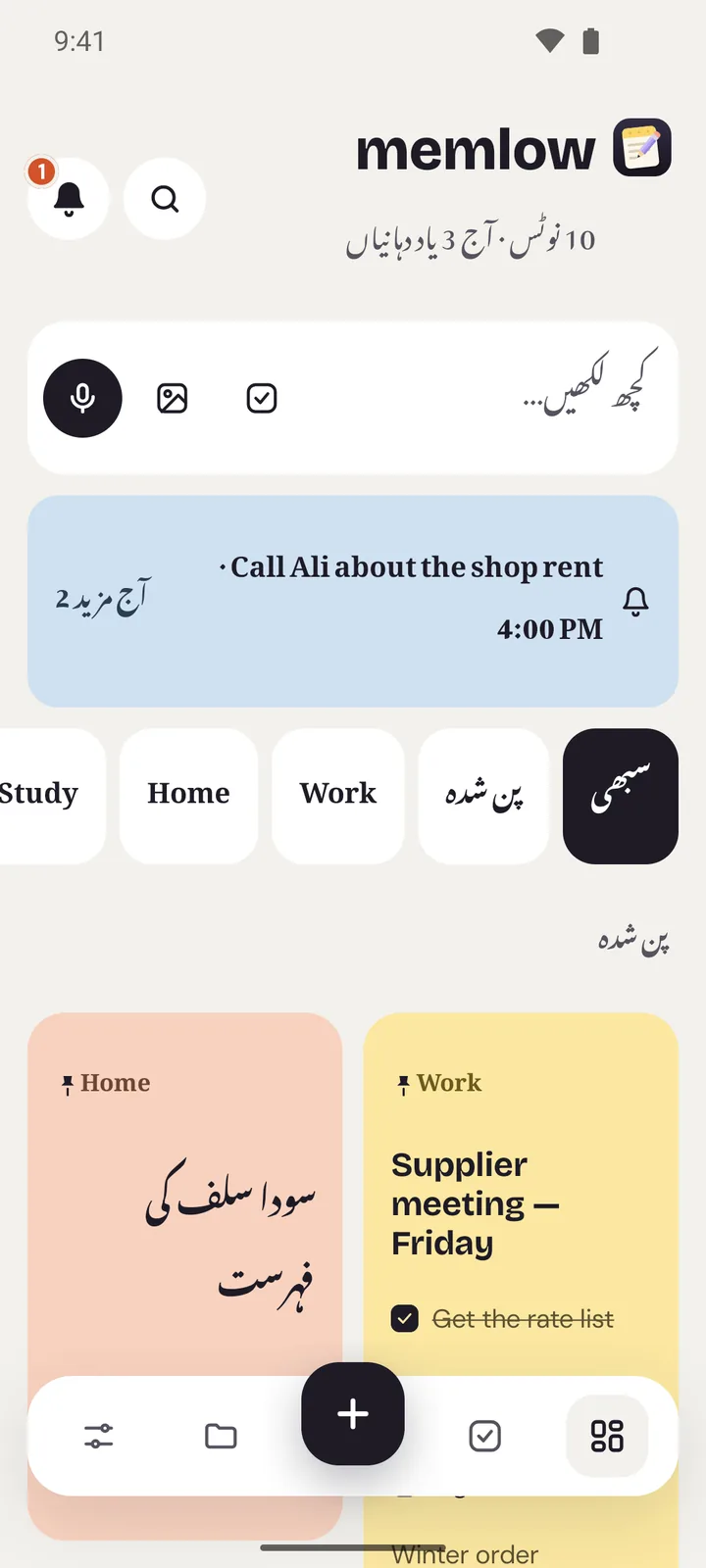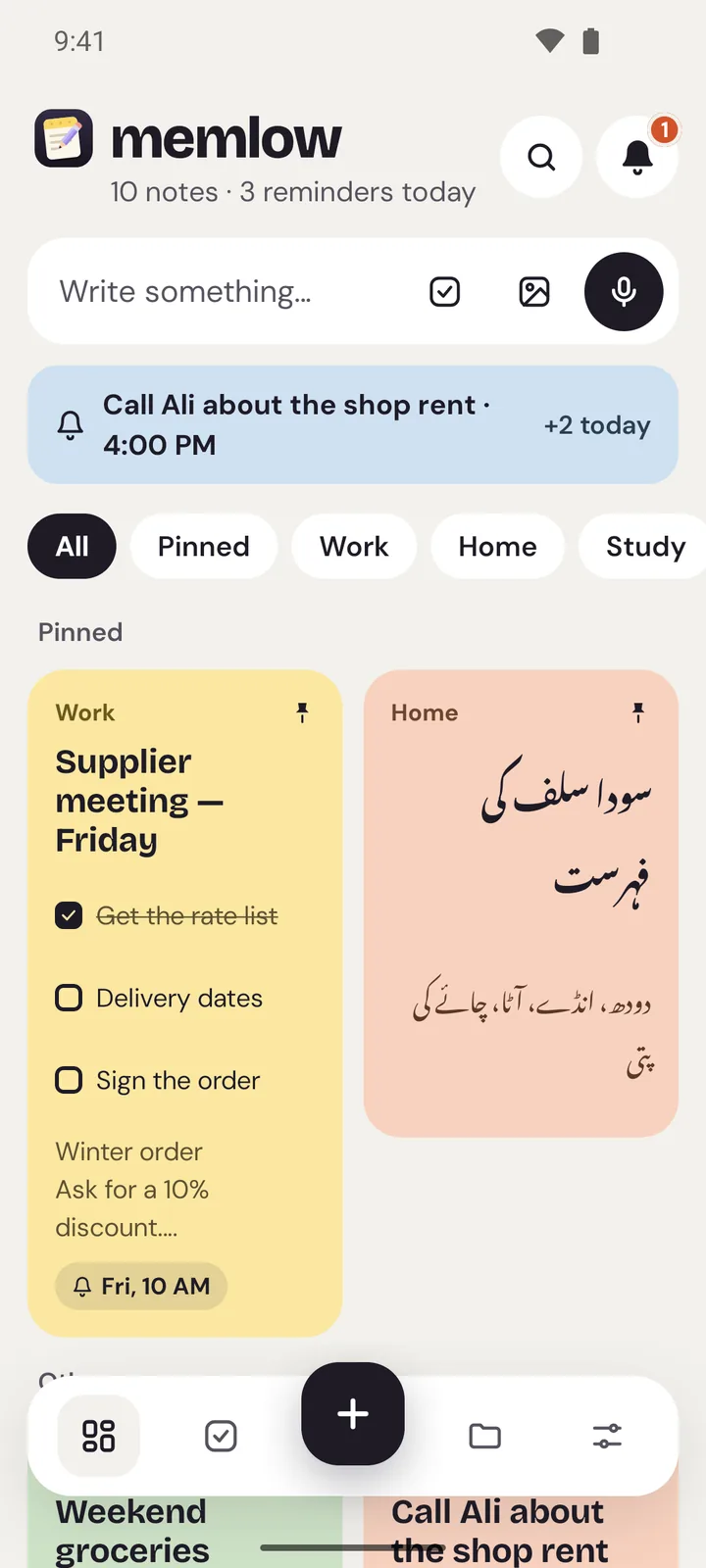
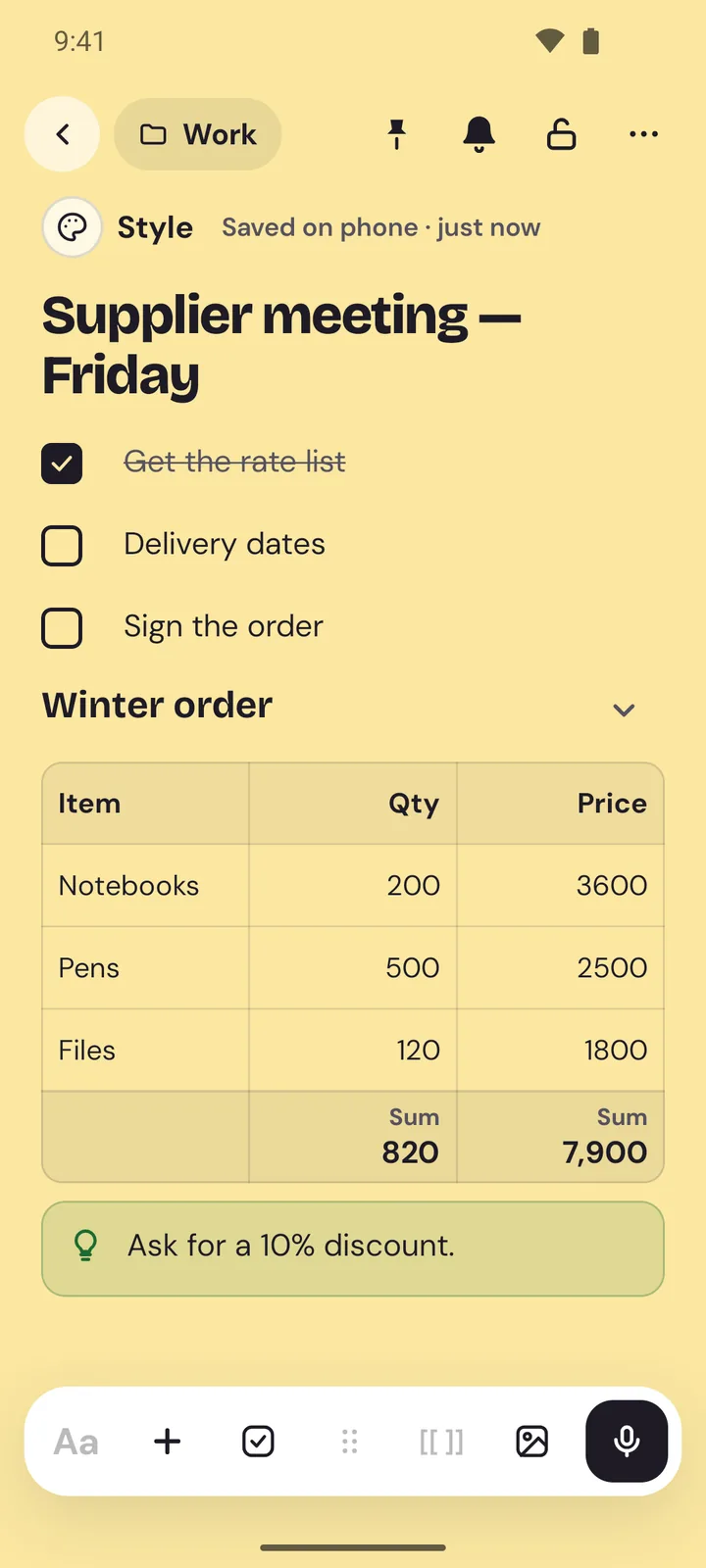
Yes. Every feature is free for everyone: backups, lock, themes, widgets, all of it. There's nothing to buy and no subscription. Small ads pay for the app.
Can anyone read my notes?
No. Your notes are stored only on your phone, and we never receive them. If you turn on Google Drive backup, your notes are encrypted on your phone with your own password before they go to a private folder in your Drive.
Does it work without internet?
Yes. Writing, search, reminders, widgets and lock all work offline. Only Google Drive backup needs a connection (and ads, which simply don't show when you're offline).
How do I move my notes to a new phone?
Back up to Google Drive or save a backup file, then restore it on the new phone and enter your backup password. You can replace what's there or merge the two. Step by step
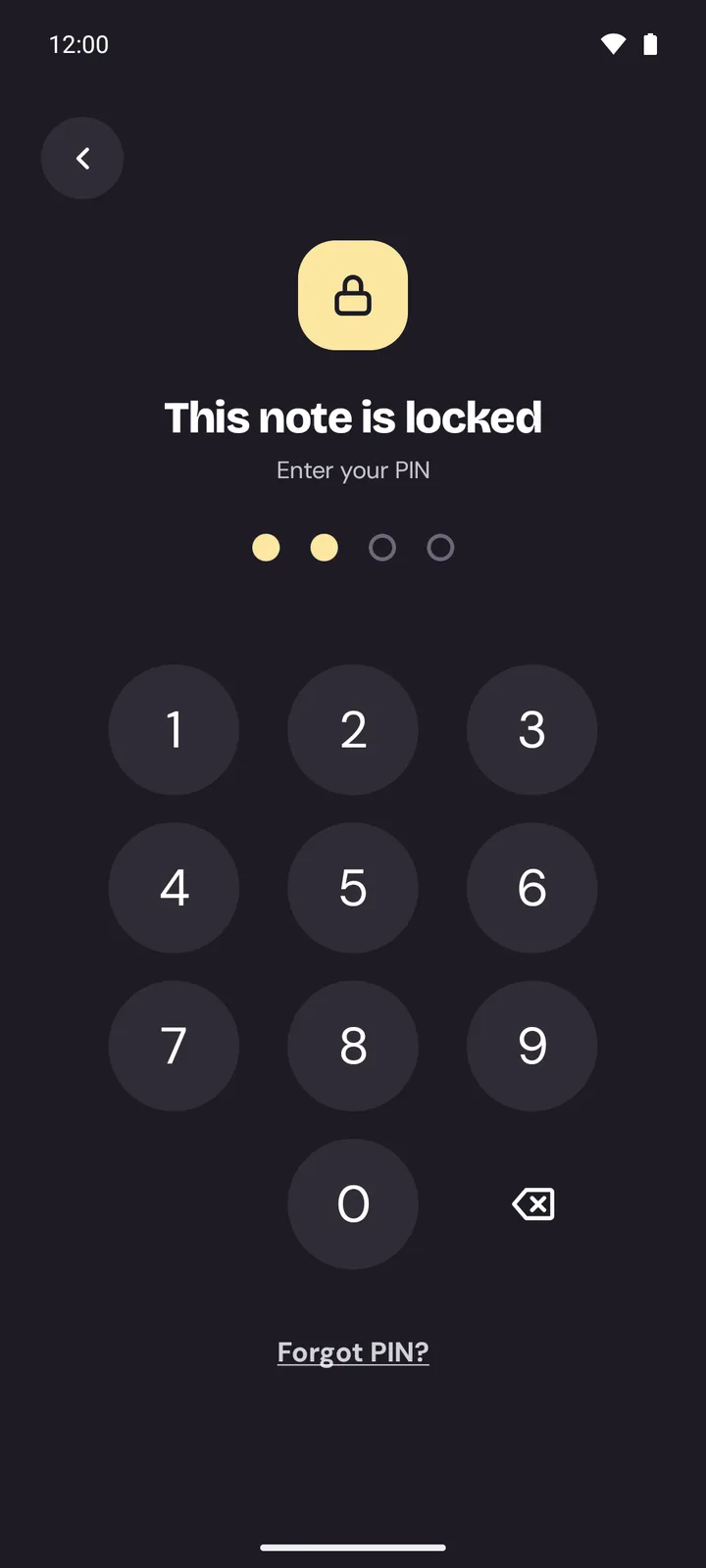
What if I forget my PIN?
If fingerprint unlock is on, use it to set a new PIN. Otherwise a PIN can't be recovered (that's what keeps it safe): you can reset Memlow on that phone and restore your notes from a backup.
Which phones does Memlow work on?
Android phones with Android 8.0 or newer.
Your notes stay yours.
Memlow is coming soon to Google Play, free for every phone with Android 8.0 or newer.Get Memlow free on Google Play, for every phone with Android 8.0 or newer.