
Everything Memlow does
A private notes app that does a lot, quietly
Notes, checklists, reminders, voice notes, themes and encrypted backups, in your browser and on Android. Free, private, and with no AI.
- Free
- Private
- No AI
- Works offline

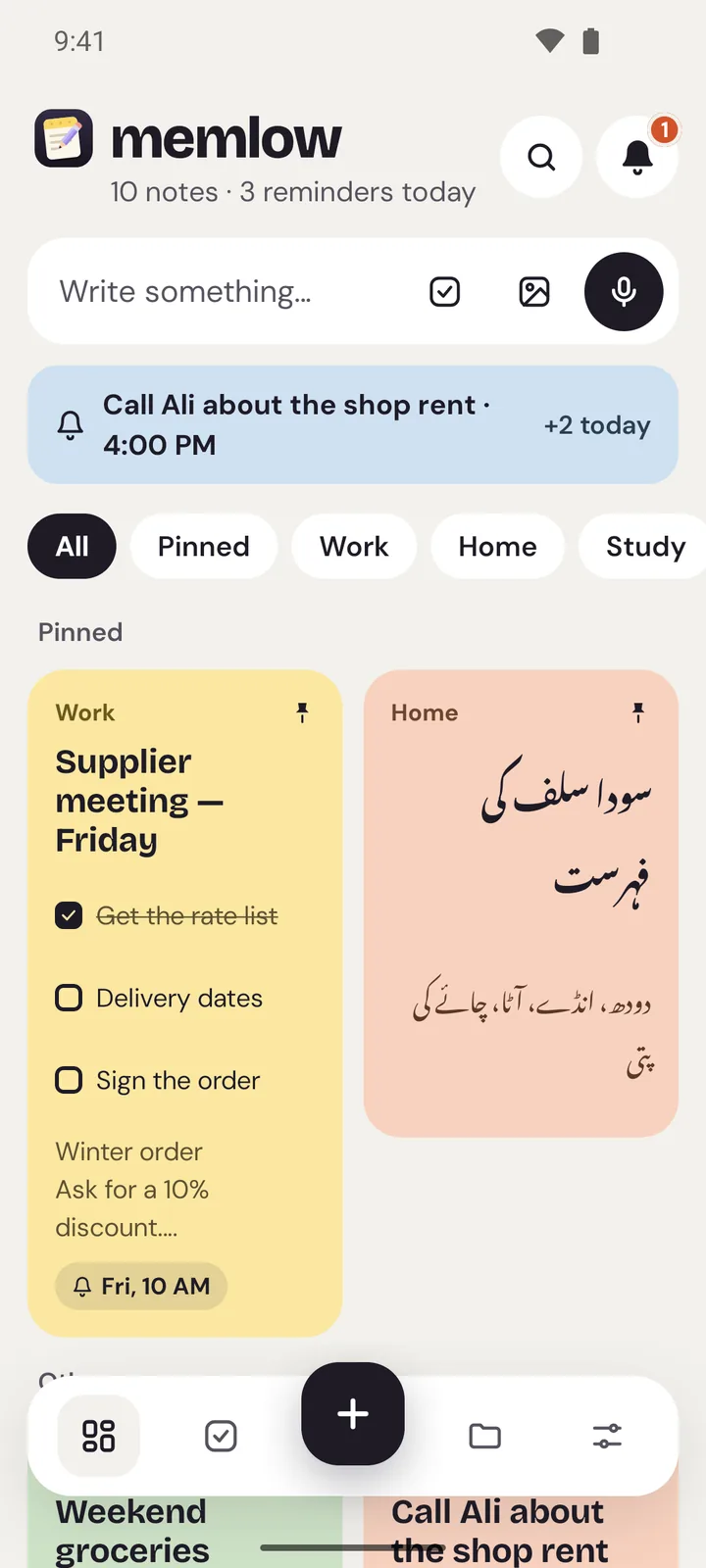
Features
Simple enough for a shopping list. Strong enough for your whole week.
ChecklistsA checklist app for every kind of to-do listShopping, packing, chores or a busy week: make a list, tick things off, and get a reminder for the items that can't wait.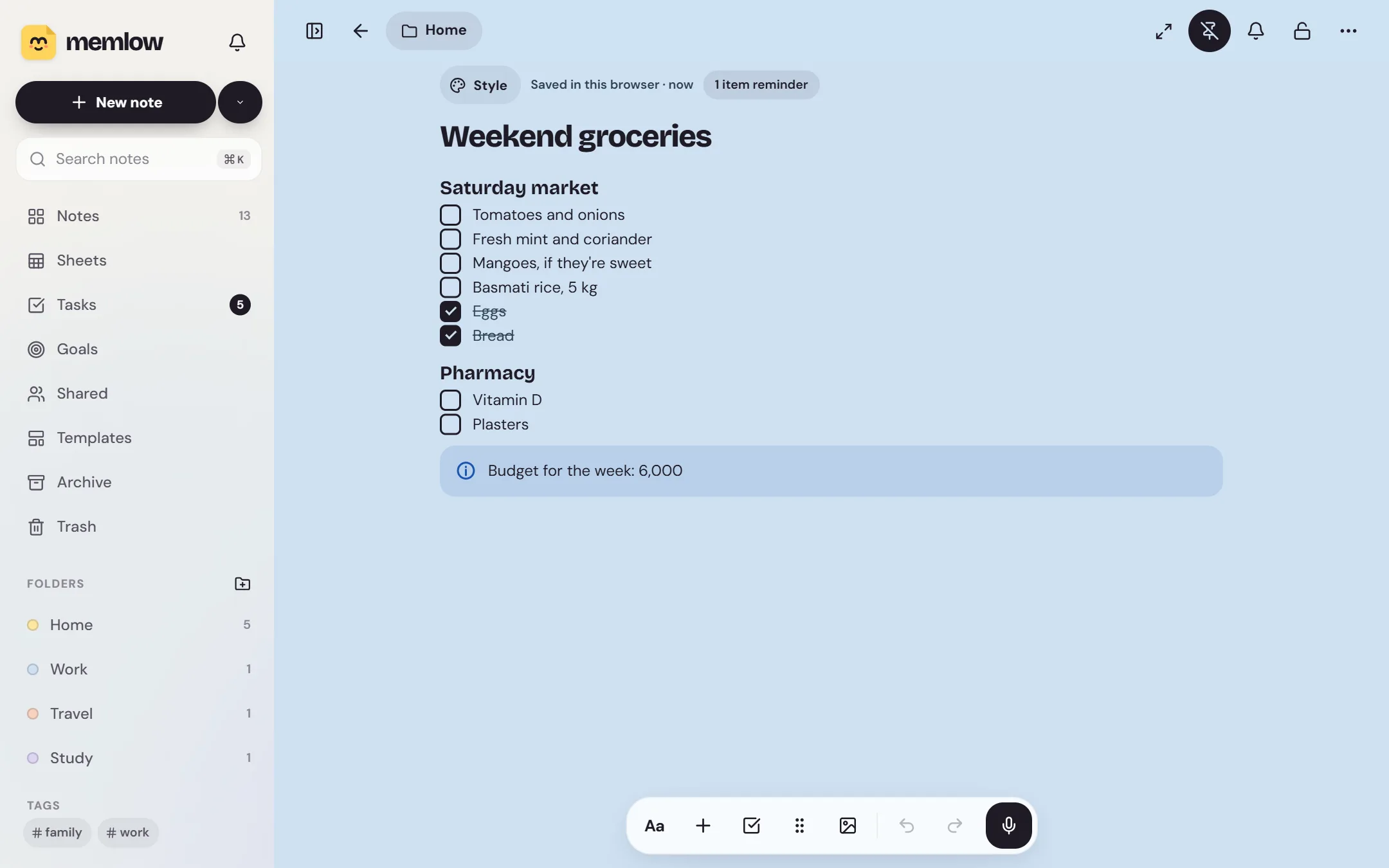


- 40ready-made templates
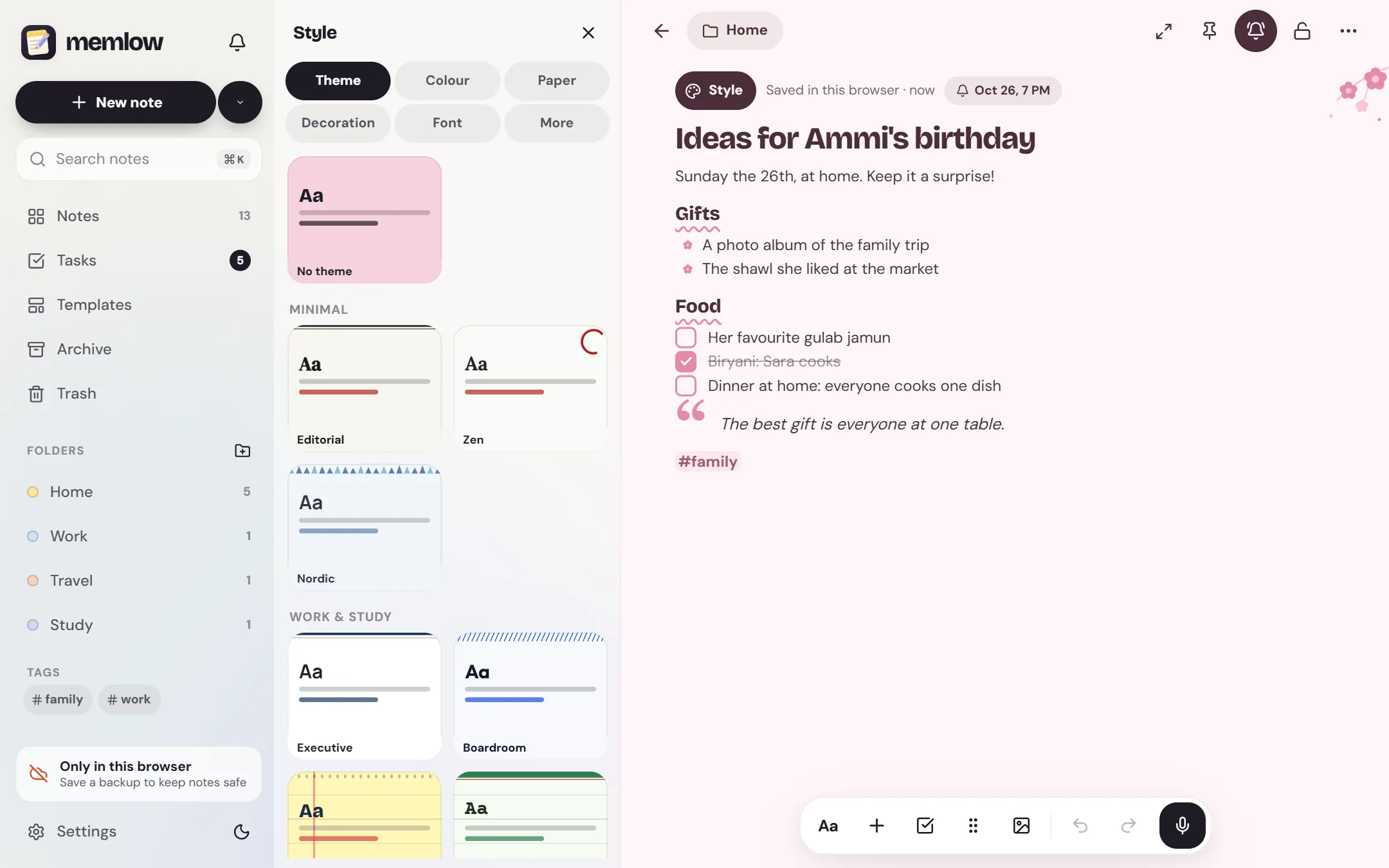
- 43themes for every mood
- 30fonts, from handwriting to typewriter
- 15languages on the web, 35 on Android
- 2apps, web and Android, one backup
- 0ads on the web
Privacy, in plain words
Your notes stay yours.
No adjectives, just how it works. Memlow has no server that stores notes, so there is nothing of yours for us to read, sell or lose.
- Where notes live
- On your device: the phone's storage, or your browser's own storage on the web.
- Accounts
- A Memlow account never holds your notes. It keeps only your name, email and how you sign in.
- Backups
- Optional, in your own Google Drive or a file, encrypted on your device with your password (AES-256-GCM) before they leave it.
- Who can read them
- Only you. Not Google, not us. That also means we can't recover a lost backup password.
- Visits and AI
- The website counts visits without cookies or IDs, and the notes app sends nothing. No AI reads your notes. The Android app shows a few ads, which never see your notes.
Guides
All guides
How to keep your notes privatePrivate notes need three things: to stay on your device, to be locked when it matters, and to be backed up in a way only you can open. Here's how to set that up, and where the limits are.Read the guide
Use the same notes on your phone and computerMemlow on the web and the Android app open each other's encrypted backups. Link both to one Google account with one backup password, and your notes move between them.Read the guide
10 simple note templates for a calmer weekA busy week feels lighter when the lists are already laid out. Here are ten of Memlow's built-in templates, what each one is for, and a small habit that makes it work.Read the guide
Get started with Memlow: your first weekMemlow is free and opens straight away, and you don't need an account to write. Here's one small step a day for your first week, from your first note to your first backup.Read the guide
How to write notes in UrduMemlow writes Urdu in Nastaliq and reads it right to left, with nothing to set up. Here's how to write in Urdu, use the whole app in Urdu and mix it with English, on the web and on Android.Read the guide
How to use voice notes and voice typingYour voice can do two jobs in Memlow: record audio into a note, or turn speech into text. Here's how each one works, what stays on your device, and what differs on the web and on Android.Read the guide



Your notes stay yours.
Memlow is free and private, with no AI. Start writing in your browser, or get the Android app.