

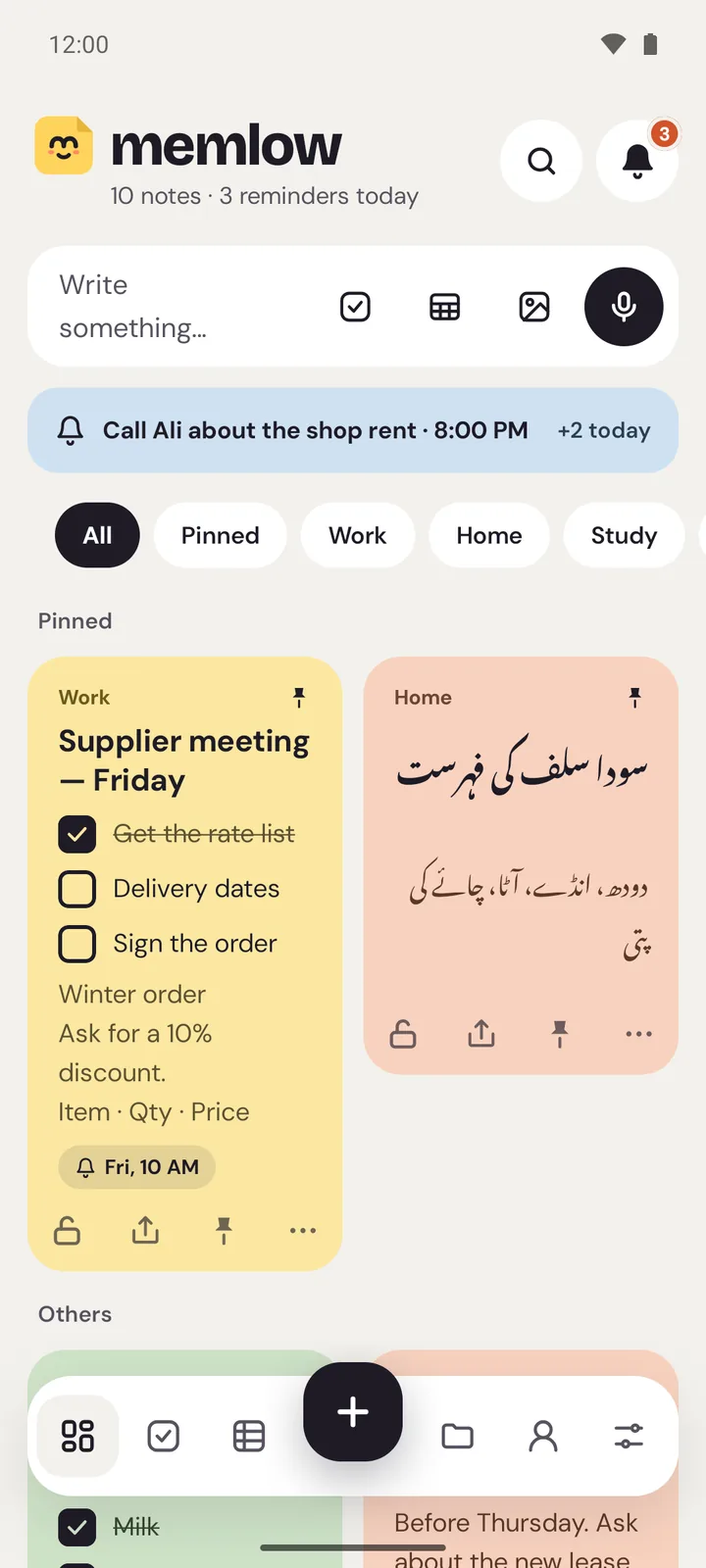
- Choose Memlow if you're leaving a Galaxy phone, or want your notes on your computer in a browser, with backups in your own Google Drive and no AI.
- Stay with Samsung Notes if you write with an S Pen, mark up PDFs, or will keep using Galaxy phones, tablets and Galaxy Book laptops.
- Samsung Notes can save a note as a text file, and Memlow's web app turns each text file into a note.
Memlow and Samsung Notes side by side
What we say about Samsung Notes comes from its own help pages, pricing and policies, checked in October 2026. The small numbers link to the sources under the table.
| What | Memlow | Samsung Notes |
|---|---|---|
| Phones | Any Android 8.0 or newer phone | Made for Galaxy phones and tablets1 |
| On a computer | In Chrome or Edge, on Windows, Mac or a Chromebook | A Windows app for Galaxy Book PCs; Samsung says other PCs aren't officially supported2 3 |
| Web version | Yes, app.memlow.com | Samsung's pages describe none1 |
| Sync | Through your own Google Drive, encrypted end to end | Samsung Cloud with a Samsung account; OneNote sync has ended4 |
| Handwriting and PDFs | No | S Pen handwriting and PDF annotation1 |
| Lock a note | PIN, and fingerprint on Android | Password lock; needs a Samsung account1 |
| AI | None | Galaxy AI Note Assist on select devices; some features run in Samsung's cloud and can be turned off5 6 |
| Take your notes out | Markdown, text, PDF or a backup file | PDF, Word, PowerPoint, an image or a text file1 |
Sources, checked October 2026
- Samsung Support: use Samsung Notes
- Samsung Support: Samsung Notes on Galaxy Book
- Samsung Community: Samsung Notes on other PCs
- Samsung Support: syncing Samsung Notes
- Samsung Support: Galaxy AI features
- Samsung Support: Galaxy AI settings
Can you use Samsung Notes on a PC or online?
Only partly. As of October 2026, Samsung offers a Windows app for its Galaxy Book laptops and says other PCs aren't officially supported, and its pages describe no web version of Samsung Notes. So if you want your notes online, or on a Mac, a Chromebook or a PC from another brand, Samsung Notes isn't built for it.
Memlow is. On a computer it's app.memlow.com in Chrome or Edge, and your notes sync with the Android app through your own Google Drive, encrypted. Notes on your phone and computer shows how.
Where Samsung Notes is better
- Handwriting with the S Pen, which can turn into typed text, and drawing on the page.
- Marking up PDFs: open one, write on it, save it.
- It's built into Galaxy phones, tablets and Galaxy Book laptops, and works closely with them.
- Recordings can be turned into text with Galaxy AI, if you want that.
Where Memlow is different
- It runs on any Android phone, so your notes don't depend on the brand of your next phone.
- On a computer, it's app.memlow.com in your browser, on Windows, a Mac or a Chromebook. Install it and it opens in its own window and works offline.
- Notes sync through your own Google Drive, encrypted on your device with a password only you know.
- There's no AI, so nothing processes your notes on a server.
- Reminders on list items, a Tasks view, Goals, Memlow Sheets and 75 themes are part of it, free.
Who should stay with Samsung Notes
Samsung Notes does things Memlow doesn't. Stay with it if you write by hand with an S Pen, mark up PDFs for school or work, or know your next phone and laptop will be Samsung too. If your notes are typed and you want them on any Android phone and on your computer, Memlow fits better.
How to move your typed notes
- In Samsung Notes, save or share each note you want as a text file. Samsung lists text files among the formats it can save.
- Copy the files to your computer, open app.memlow.com and drop them onto it. Each file becomes a note.
- Turn on Google Drive backup, then install the Android app on your new phone and link the same Drive. Your notes come across.
Handwritten pages don't turn into text this way. Save them as PDF or images and add them to a note as photos, or keep the PDFs alongside. Bring in notes from text or Markdown files has the details.
