
Your Memlow account: what it's for
A Memlow account is free and optional: you can write notes in both apps without one. It holds your sign-in, your profile and where your backups are, and never your notes. Sign in when you want Google Drive to stay connected on every device, or to share notes with other people.
When you need a Memlow account
| What you want to do | Android app | Web app |
|---|---|---|
| Write notes, checklists and reminders | Works without one | Works without one |
| Back up to your Google Drive | Works without one | Account needed |
| Share a notebook, a note link or a team | Account needed | Account needed |
| A username and a public profile | Account needed | Account needed |
Sharing also needs Google Drive backup turned on, because your sharing key is kept safe with your backup key.
Sign in or create an account
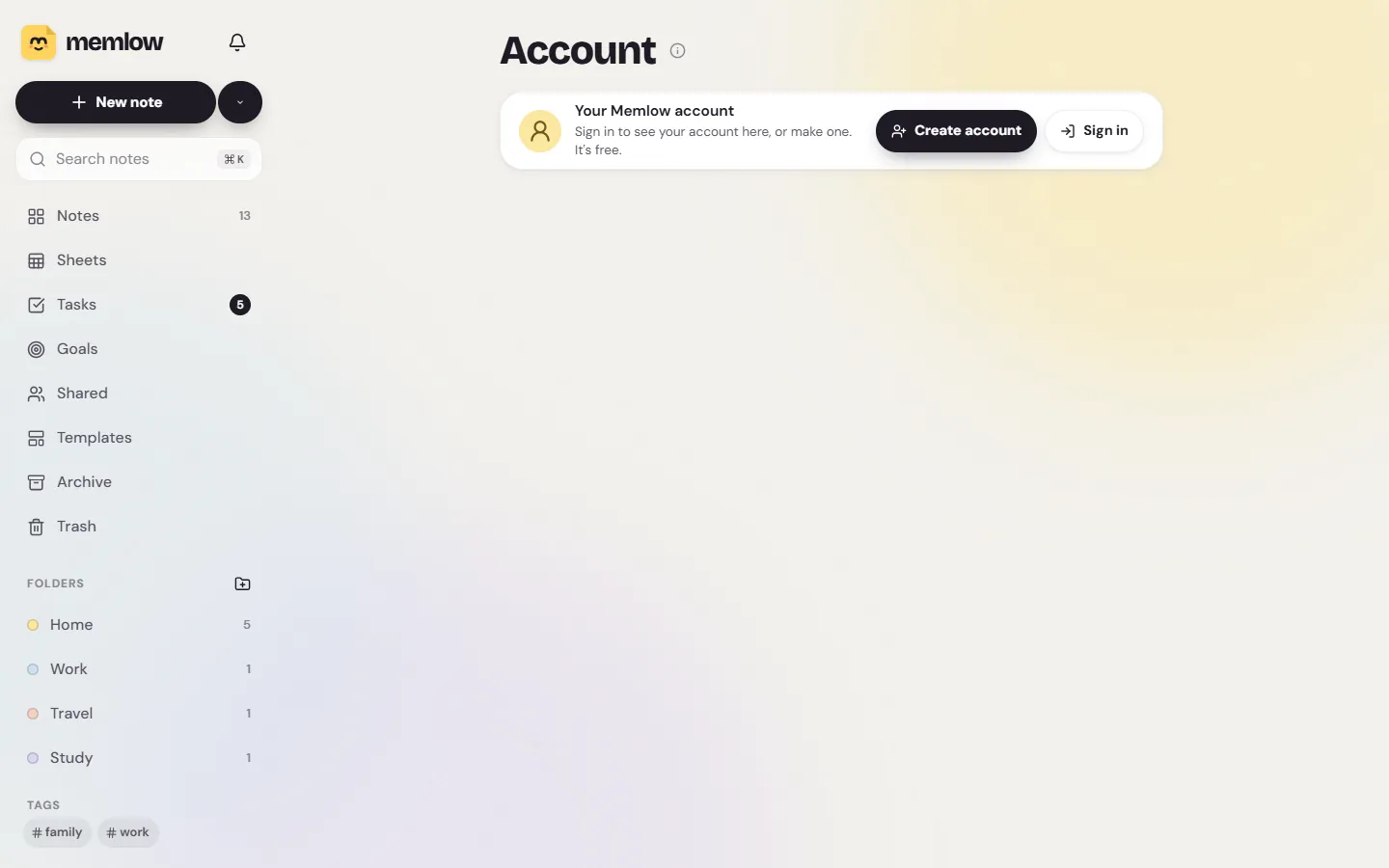
Account is its own place in the bar along the bottom, next to Settings. On a computer, it's your picture or the person icon at the bottom of the sidebar.
On Android
- Tap
Accountin the bar along the bottom. - Tap
Continue with Google, orCreate account, orSign in with emailif you already have one. - For a new account, fill in your name, email, username and password, then type the 6-digit code Memlow emails you.
On the web
- Choose
Account. - Choose
Create accountorSign in. They open the account pages on memlow.com, where you can also continue with Google. - When you're done, memlow.com brings you back to your notes.
The welcome screen offers the same choices the first time you open Memlow.
What your account stores, and what it never sees
Your notes stay on your devices: in the app on your phone, or in your browser. Memlow's servers never receive them, with or without an account. The account keeps:
- your name, email address and password, or your Google sign-in;
- your username, and the profile details and photo you choose to add;
- a log of security events, such as sign-ins and password changes;
- once you link Google Drive, which Google account holds your backups, and a fingerprint of your backup key that can't open anything.
Your backup key itself is kept only if you turn on Remember my backup key in my account, which is off unless you choose it. The privacy policy lists every detail.
Why the web app needs an account for Google Drive
In a browser, Google's sign-in lasts only while the page is open. Your Memlow account keeps Drive connected after you close and reopen Memlow, or sign out and back in. It also tells your other devices where your backups are, so they open the same notes. Your notes still go only to your own Drive, encrypted on your device with your backup password. Then open Settings, then Storage and Google Drive, and choose Link Google Drive. See Back up your notes to Google Drive.
On Android, Drive backup works without an account. Signing in there does the same job of keeping your backups connected across your devices.
Your username and profile
Your username is how people find and invite you, and it's your profile's address: app.memlow.com/ and then your username. You choose it once, and it can't be changed later. Each detail on your profile has its own setting for who sees it. The username and profile article has the details.
Sign out
Signing out backs up your notes to your Google Drive, then removes them from that phone or browser. To get them back, sign in again. Memlow connects to your Drive by itself, so you don't link it again; open your backups with your backup password, or approve the device from another one that's signed in. If your account remembers your backup key, the notes come back without a question.
- Open
Accountand chooseSign out. - Memlow asks
Sign out of Memlow?. ChooseBack up and sign out, orStay signed in.
If your notes aren't backed up to Drive yet, Memlow asks you to set that up first, so nothing is lost. If the backup fails, nothing is removed.
Delete your account
Deleting your account deletes it, its sign-ins and its photo for good. The notes on your devices and your backups in Google Drive stay where they are.
On Android
- Open
Accountand tapDelete account. - If you signed up with a password, type it to confirm.
On the web
- Open
Accountand chooseManage account. It opens your account page on memlow.com. - Under
Delete account, type the word it asks for (and your password, if you have one), then chooseDelete my account.
To delete your notes and backups as well, see Delete your notes, backups and account.
Questions and answers
Do I need a Memlow account?
Not to write. Both apps work without one. You need one to link Google Drive on the web, to share notes, and for a username and profile.
What does a Memlow account store?
Your sign-in details, your profile, a security log and which Google Drive holds your backups. It never holds your notes.
Why does the web need an account to link Google Drive?
A browser's Google sign-in ends when the page closes. Your account keeps Drive connected when you reopen Memlow, and lets your other devices find the same backups.