
Where your notes live and what's encrypted
Memlow stores your notes on your device: in the Android app's own storage on your phone, or in your browser's storage on a computer. Memlow's servers never receive your personal notes. When Memlow sends your notes anywhere, it encrypts them on your device first: Google Drive backups and sync with your backup password, shared notebooks and links end to end.
There's no AI in Memlow, so nothing reads your notes to summarise or sort them.
Where your notes are
On Android
Notes, photos and voice notes are kept in Memlow's private storage on the phone, which other apps can't open. Android encrypts that storage on current phones. Memlow doesn't copy your notes into Android's own cloud backup; they leave the phone only through the backups you choose.
On the web
Notes are kept in your browser's storage for app.memlow.com, on that computer only. Memlow doesn't add its own encryption there. Clearing the browser's data for the site, or a private window, can remove them, so link Google Drive or save a backup file. See Notes kept in this browser.
What's encrypted, and with whose key
| What | Encrypted | With |
|---|---|---|
| Google Drive backups | Yes, on your device before upload | Your backup password |
| Each note, photo and recording synced through Drive | Yes, on your device before upload | Your backup password |
| A backup file you save | When you protect it with a password (on unless you turn it off) | That password, or your backup password |
| Shared notebooks and notes shared with a link | Yes, end to end | Keys only the people in it have; for a link, the end of the link itself |
| Notes on your phone or in your browser | Not by Memlow | Android encrypts the phone's storage |
| Locked notes | No: a lock is an access lock | Your PIN opens them; it doesn't encrypt them |
| Exports (Markdown, PDF, text, ZIP) | No | Anyone with the file can read it |
Backups use AES-256 encryption. Your backup password never leaves your device, and Memlow never sees it.
How your backup password works
When you set up Google Drive backup, Memlow makes a random key and encrypts your backups with it. A copy of that key, locked with your backup password, goes into every backup. Your device keeps another copy so it can back up without asking. On Android that copy is protected by the phone's own secure key store; on the web it's kept in the browser's storage for Memlow.
A new phone or computer opens your backups only with the password, or with the key handed over from one of your own devices. If you chose it, your account can hand the key over too. Without one of these, nobody can open them, and nobody can reset the password for you, us included. See what to do if you lose your backup password.
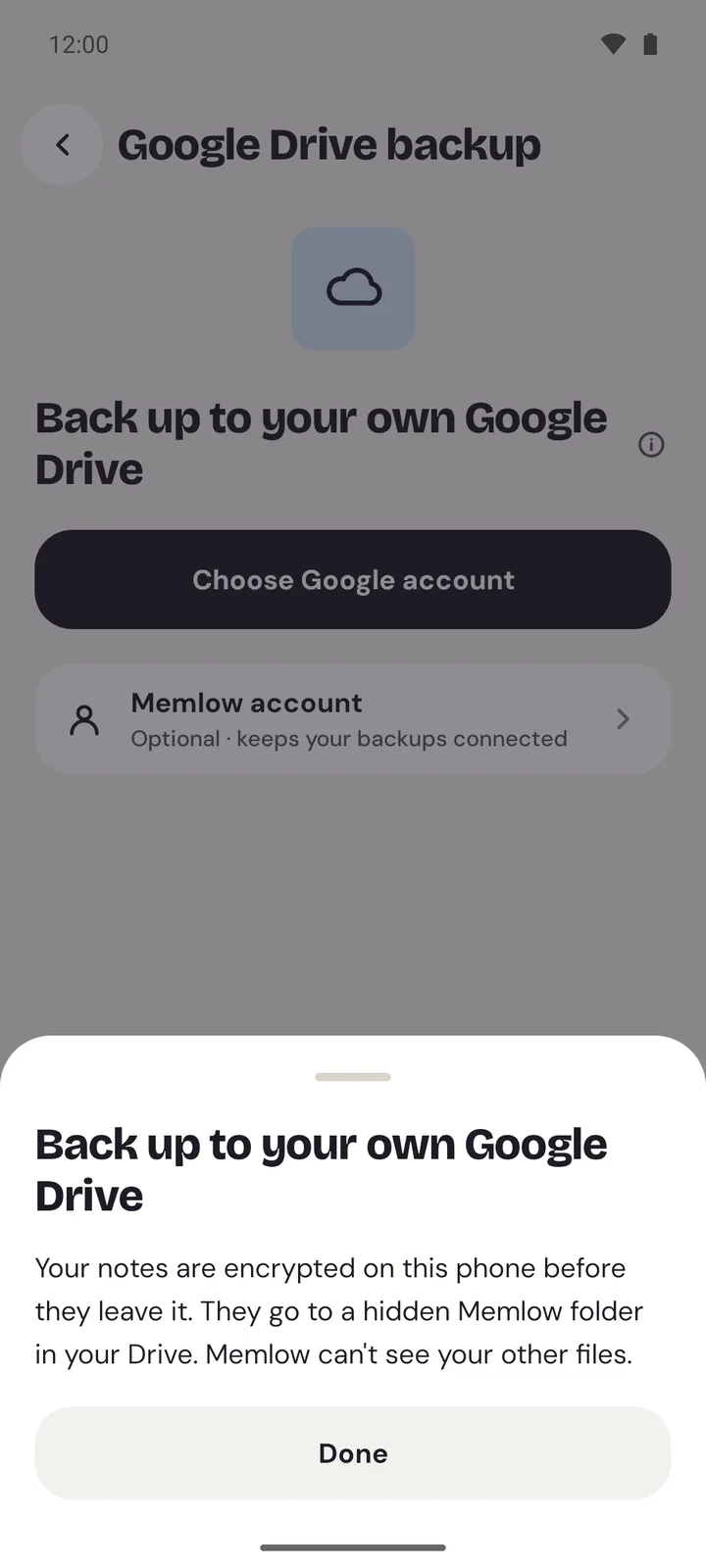
What Memlow's servers see
Without a Memlow account, the Android app sends nothing about your notes to Memlow. It talks to Google Drive directly.
With an optional Memlow account, memlow.com keeps:
- your name, email address, and your password (as a hash) or your Google account id;
- a profile photo and profile details, if you add them, each shown only to the people you choose;
- your signed-in devices and an account log;
- which Google account holds your backups, and a fingerprint of your backup key, which can't open anything.
It also passes on short messages between your own devices: "my Drive changed", with no note names or words, so your other devices fetch the change from Drive. When you approve a new device, the server carries the key sealed for that device, and it can't open it.
For shared notebooks and links, the server keeps who is in each notebook and their roles, and the encrypted files, stored with Cloudflare. It can't read them. For a link, it keeps only a fingerprint of the link, never the link itself. See shared notebooks.
Warning
One setting changes this. If you turn on Remember my backup key in my account, memlow.com keeps a sealed copy of your backup key, so a device you sign in to opens your backups without the password. Anyone who gets into your Memlow account, or Memlow itself, could then open your backups. It's off unless you turn it on, Memlow emails you each time it's used, and you can turn it off at any time.
What Google can see
- Memlow uses a hidden app folder in your Google Drive. Memlow can see only that folder, never your other files.
- Google can see that the files are there, with their sizes and dates. It also sees the labels Memlow adds, such as the device name and the number of notes in each backup, and when each note's file changed. It can't read what's in them.
- If you sign in with Google, Google knows you signed in to Memlow.
- The Android app shows Google ads. Google's ads code gets device data such as your advertising ID, after your consent where the law asks for it. Your notes are never part of an ad request. The web app has no ads. See Ads in the Android app.
- Neither app has analytics. The website memlow.com, where these Help pages are, uses Google Analytics only if you accept it in its cookie banner. Then Google sees which pages of the website you read, never your notes. See Website analytics.
What we can't do for you
Because we can't read your notes or backups, we can't recover a forgotten backup password, a forgotten PIN, or a note that was never backed up. Write the backup password down somewhere safe, away from the device.
For the full detail, read the privacy policy.
Questions and answers
Where are my notes?
On your device. In the Android app they're in Memlow's private storage on your phone; on the web, in your browser's storage on that computer. Backups go to your own Google Drive, encrypted.
Can Memlow read my notes?
No. Your notes never go to Memlow's servers, and your backups are encrypted with a password only you know. The one exception is if you turn on Remember my backup key in my account.
Is Memlow end to end encrypted?
Your Drive backups and sync are encrypted on your device with your backup password, and shared notebooks and links are end to end encrypted. Notes on your device itself are protected by your phone's or browser's storage, not by Memlow's own encryption.
What can Google see?
Encrypted files in Memlow's hidden folder in your Drive, their sizes and dates, and labels such as the device name and how many notes a backup holds. Not your notes.