
Web app says "Updating" or shows a blank page
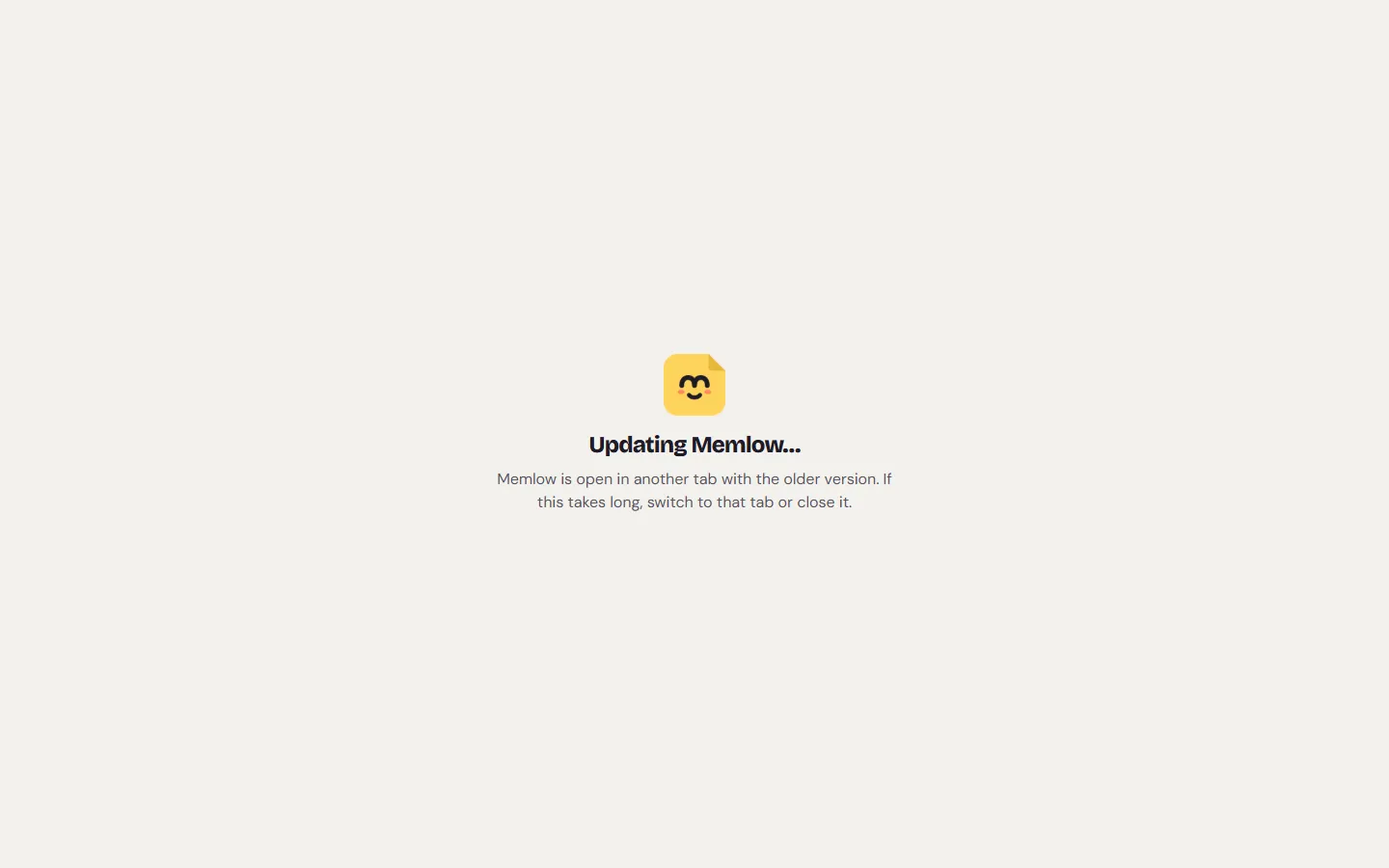
Memlow is not loading and says "Updating Memlow…"? Then a newer version of the web app is waiting for an older Memlow tab in the same browser to let go of your notes. Switch to the other Memlow tab or close it, and the new version opens. A blank or broken page usually comes back with a reload.
What you might see
- The Memlow logo with "Updating Memlow…" and "Memlow is open in another tab with the older version. If this takes long, switch to that tab or close it."
- In another tab, a box that says "Memlow was updated" and "A newer Memlow opened in another tab. What you typed here is saved. Reload this tab to keep writing.", with
Reload. - A message at the bottom: "A new version of Memlow is ready", with
Reload. - A page that says "Something went wrong", with
ReloadandGo to your notes. - A white page with nothing on it.
What an update does
Memlow updates itself. The new version downloads in the background while you work. If you've only just opened Memlow and haven't typed yet, it switches straight away. Otherwise it waits, and offers Reload, so a note is never cut off while you type.
Some versions change how notes are stored in the browser. Only one version can use that storage at a time, so the new one waits for older tabs to save and let go. That's when you see "Updating Memlow…".
An older Memlow tab is still open
This is the most likely cause of "Updating Memlow…".
- Look for other tabs or windows on app.memlow.com, including the installed Memlow app window if you use one.
- Switch to that tab. A browser may have put it to sleep, and it only answers once it wakes up.
- It saves what you typed and shows "Memlow was updated". Choose
Reloadthere, or close the tab. - Go back to the waiting tab. It opens by itself. If it doesn't, reload it.
A tab says "Memlow was updated"
This is the older tab. A newer Memlow opened in another tab and now holds your notes. What you typed here is already saved.
- Choose
Reload. - Carry on writing.
The box can't be closed. That way you can't type anything it couldn't save.

"A new version of Memlow is ready"
Choose Reload when it suits you. Memlow saves as you type, so nothing is lost. Until you reload, you keep using the version you have.
"Something went wrong"
The page also says "Your notes are safe: they're saved in this browser. Reloading usually fixes this."
- Choose
Reload. - If it comes back on the same note or page, choose
Go to your notesand open something else. - Write to us with what you did just before it happened.
The page stays blank
- Reload the page: Ctrl + R, or Cmd + R on a Mac.
- Reload without the cache: Ctrl + Shift + R, or Cmd + Shift + R on a Mac.
- Close every app.memlow.com tab and window, then open it again.
- Check that JavaScript is on for app.memlow.com. Memlow can't run without it.
- Turn off extensions that block scripts on the page, then reload.
- Update your browser. Memlow needs a recent version.
When to clear the site's cache, and what not to clear
Warning
On the web, your notes are stored in this browser for app.memlow.com. Clearing cookies and site data deletes them, unless they're also in Google Drive or in a backup file.
Clear the cache only after the steps above didn't help, and clear only the cache.
- If Memlow still opens at all, save a backup first:
Settings, thenBackup and data, thenDownloadnext toBackup file. - In your browser's settings, find the option to clear browsing data.
- Tick only cached images and files. Leave cookies and site data unticked.
- Open app.memlow.com again.
To keep your notes safe from this for good, link Google Drive. See Notes kept in this browser.
Still not working?
Write to [email protected]. Please include:
- your browser and its version, and your computer or phone;
- the Memlow version, if the page opens (
Settings, thenAbout, where it says "Memlow web" and a number); - what the page shows (a screenshot is best);
- whether other Memlow tabs or the installed app were open.
There's no need to send the text of your notes.
Questions and answers
Why does it say "Updating Memlow"?
A newer version of the web app is waiting for an older Memlow tab in the same browser to save and let go of your notes. Switch to that tab or close it.
Why is the page blank?
Usually a page that didn't load fully. Reload it, then reload without the cache (Ctrl + Shift + R). Check that JavaScript is on and your browser is up to date.
Will I lose what I typed?
No. The older tab saves what you typed before it lets go, and the new version opens with it.