
A shared link won't open
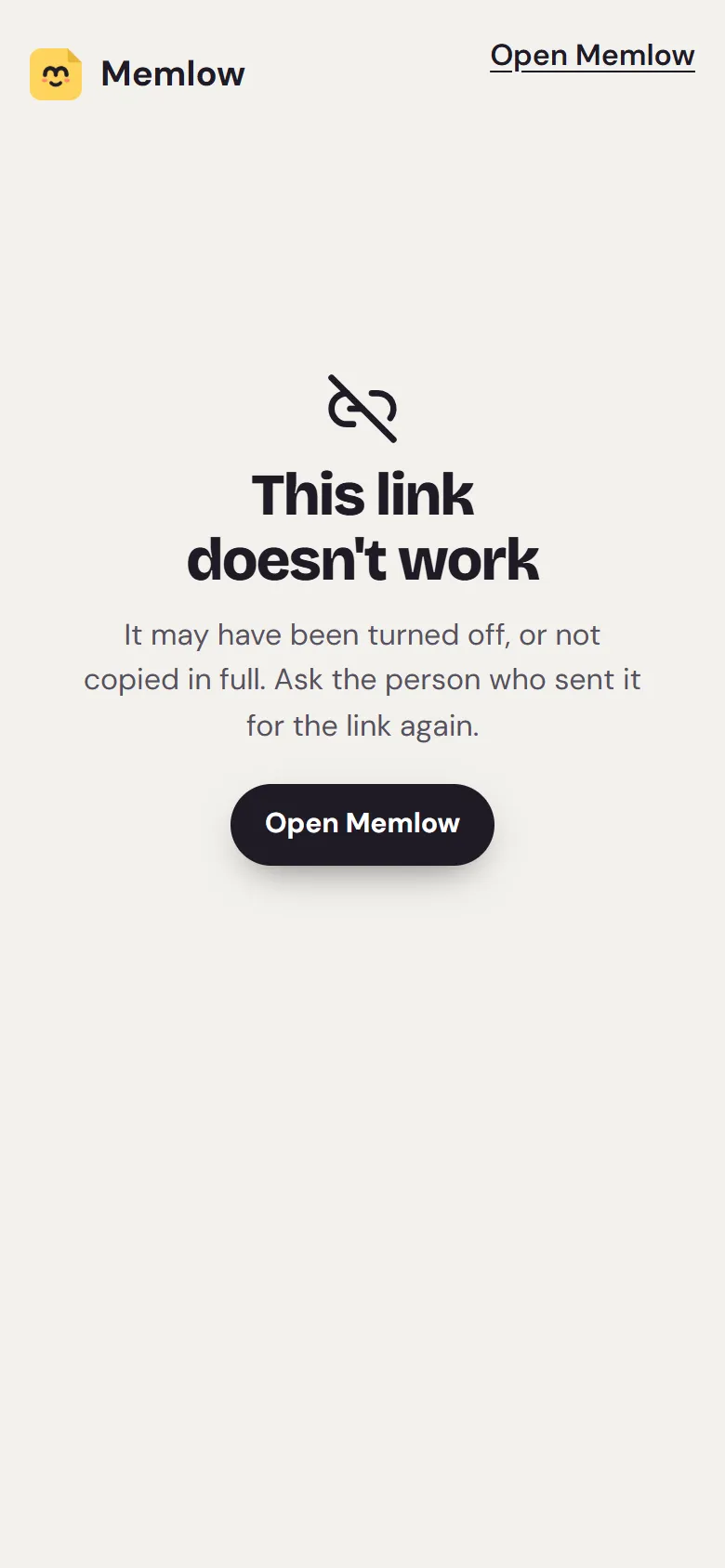
A shared link not opening usually means it has expired, been turned off, or lost its last part when it was copied. The page then says "This link doesn't work". Only the person who shared the note can make it work again, so the fix is to ask them for a new link.
What you might see
- "This link doesn't work" and "It may have been turned off, or not copied in full. Ask the person who sent it for the link again."
- "This note was deleted" and "Its owner deleted it, so there's nothing to show any more."
- "You're offline" and "Opening a shared note needs the internet. It opens as soon as you're back online."
- "Opening the note…" that never finishes.
The link ran out of time
Every link works for 1, 7 or 30 days, as the owner chose. The note's page says "This link works until" and a date while it still works. After that date the link stops for good, and people who added the note with it lose it.
- Ask the person who shared it for the link again.
- They open the note, choose
Share…, and create a new link.
The owner turned it off or made a new one
When the owner chooses Turn off link or New link, the old link stops at once, for everyone, and never works again. That's on purpose: it lets them take a note back.
- Ask the owner whether they meant to stop sharing.
- If not, ask them to send the link from the note's
Share…sheet again.
The link wasn't copied in full
The part after # is the key that opens the note, and Memlow's servers never see it. Some apps cut a link off at #, or a long link breaks over two lines. A link without its key can't open the note.
- Check that the link ends in
#and a code of letters and digits. - If it doesn't, ask for the link again, sent as a message on its own line. The owner can use
CopyorSendin theShare…sheet.
A link reads app.memlow.com/<username>/<note-name>-<number>#<key>: the owner's username, the note's name made into a word or two, a number, then the key. Older links read memlow.com/s#<key>, and still work.
The owner deleted the note
The page says "This note was deleted". Nothing can bring it back from the link.
- Ask the owner whether they still have a copy, for example in their Trash.
- If they restore it, they can share it with a new link.
You're offline, or your network is busy
Opening a shared note needs the internet. Online and still seeing "You're offline"? Then many people on your network (a school or office Wi-Fi, say) may have opened links in the last hour. Memlow asks that network to wait a while.
- Check your connection.
- Wait a little, or try another network, such as mobile data.
- The page opens the note by itself once it can.
You can read it, but not edit it
The owner chooses what people with the link can do.
- If the link allows editing, the page says "Sign in to your free Memlow account to edit it." Choose
Sign in to edit, thenEdit in my Memlow. - If it says "You can read it here, and add it to your Memlow to keep it.", the link is view only. Ask the owner to switch it to
Can edit.
For the person who shared it
To see whether your link still works, open the note and choose Share….
- "Works until" and a date: it works. Choose
Keep sharing for 30 more daysto give it longer. - "The link is off: it no longer opens this note. Create a new link to share it again.": choose a time, then
Create link.
In Shared, each note's row says "Link · until" and a date, or "Link off". For the full steps, see Share a note or reminder with a link.
Still not working?
Write to [email protected]. Please include what the page says (a screenshot is best), your browser or Memlow version, and when the link was sent. Please don't send the link itself if the note is private. We can't read shared notes, and the link is what opens them.
Questions and answers
Has the link expired or been turned off?
Both show "This link doesn't work". Ask the person who shared it: their Share sheet says "Works until" a date, or that the link is off.
Was it copied in full?
A full link ends in # and a code. If that part is missing, the note can't open. Ask for the link again, on a line of its own.
Can a link work again after it stops?
No. A link that expired, was turned off or was replaced never works again. The owner can make a new one in a moment.