
Report a shared link or profile
To report a Memlow link, open it and choose Report this note under the note. To report a profile, open the profile page and choose Report profile. You don't need an account to report, and the person you report is never told who did.
Note
If someone is in danger right now, contact your local emergency services first.
Report a shared link
- Open the link, in a browser or in the Memlow app.
- Under the note, choose
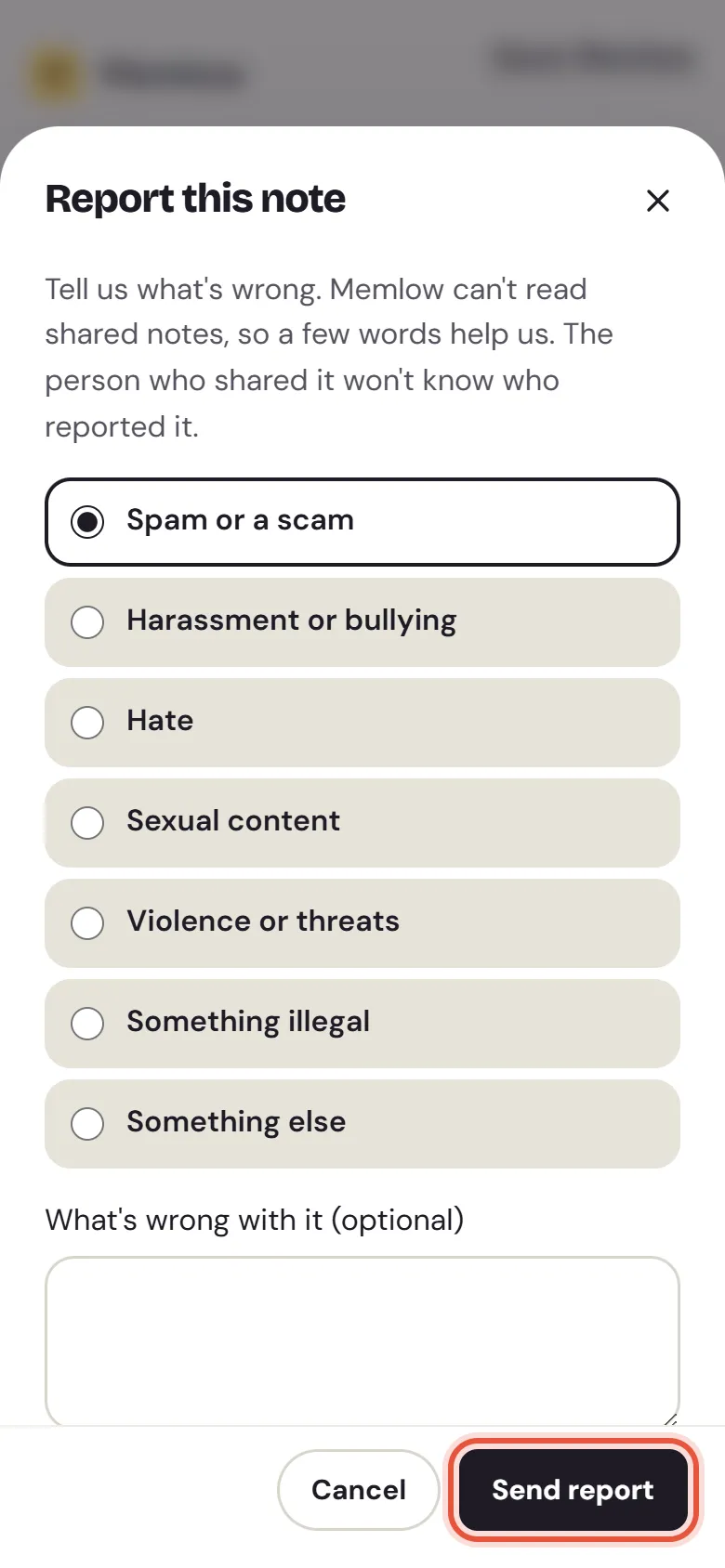
Report this note. - Under
What's wrong, pick a reason:Spam or a scam,Harassment or bullying,Hate,Sexual content,Violence or threats,Something illegalorSomething else. - Add a few words in
What's wrong with it (optional). They help: Memlow can't read shared notes. - Choose
Send report. Memlow says "Thanks for telling us".
Report a profile
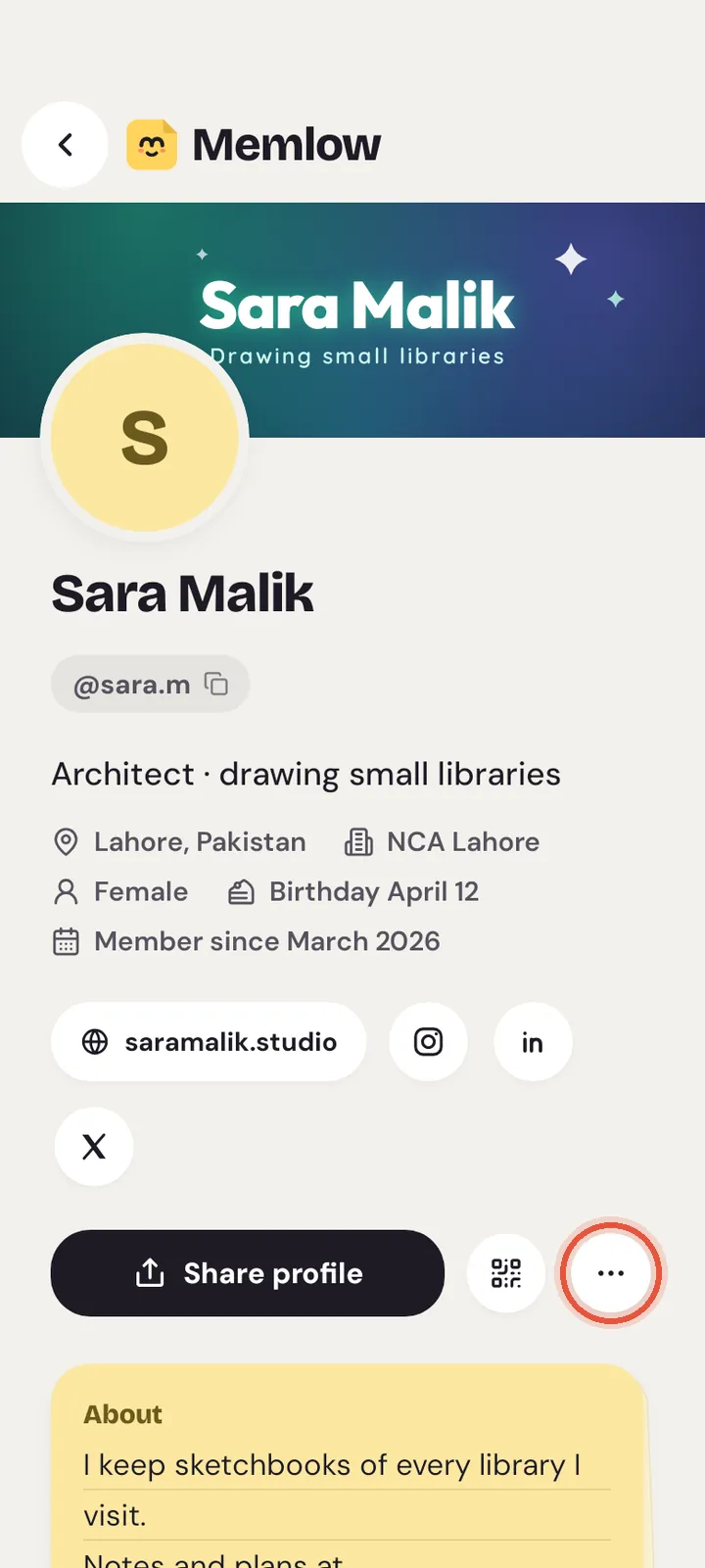
- Open the profile page, app.memlow.com/ followed by the username.
- Open the
Moremenu (the three dots), then chooseReport profile. - Pick a reason:
Spam or a scam,Pretending to be someone else,Harassment or hate,Inappropriate words or pictureorSomething else. - Add anything else in
Anything else we should know (optional). - Choose
Send report.
What Memlow can see
- For a link: which link it was, who owns it, when it was made, your reason and your words. Memlow can't see the note's text or even its title, because shared notes are end-to-end encrypted.
- For a profile: what the profile shows to everyone, your reason and your words.
- About you: your account if you're signed in, otherwise a scrambled code of your network, never your address. The person you report never learns who you are.
What happens next
The Memlow team looks at each report. Then we may:
- close the report, when nothing breaks the rules;
- email the person who shared the link or owns the profile;
- turn off the link: people who added the note with it lose it, and its owner keeps the note;
- hide the public profile: its page then says "This profile is private";
- pause sharing on the account for 30 days: no new links and no new public details.
The person is told by email when we turn off a link, hide a profile or pause sharing. We keep a record of what was done and who did it, and it's deleted with the reported account.
Limits on reports
- You can send up to 10 reports an hour. After that, Memlow says "You've sent several reports. Try again later."
- Reporting the same link or profile again within 24 hours doesn't add a second report.
Something else to report?
Shared notebooks and team invitations have no report button. If someone shares something harmful with you there, choose Decline on the invitation, or Leave notebook. Then write to [email protected] with their name or @username and what happened. Please don't forward the notes themselves unless you choose to.
For how links work, see Share a note or reminder with a link. To choose what your own profile shows, see usernames and profiles.
Questions and answers
How do I report a shared link or a profile?
On a shared note, choose Report this note under it. On a profile page, open the More menu and choose Report profile. Pick a reason, add a few words if you like, and choose Send report.
What happens next?
Memlow reads the report. We may dismiss it, email the person, turn off the link, hide the profile, or pause their sharing for 30 days. They're never told who reported them.
Can Memlow read the note I reported?
No. Shared notes are end-to-end encrypted, so Memlow sees only the link's details, your reason and your words.